The agent app for Luxe Miami
Every unit. On video.
In your pocket.
A walkthrough of every unit in every building Luxe Miami represents, on your iPhone and iPad. Find it in seconds, send it to a client, or film a new one on the spot.
Adaptive streaming
Starts fast and stays sharp on any connection.
Background uploads
Keep going, and resume if the app closes.
Secure share links
Clients watch in the browser. Links expire after 7 days.
iPhone and iPad
Laid out natively for both screens.
Browse
Find any building in seconds.
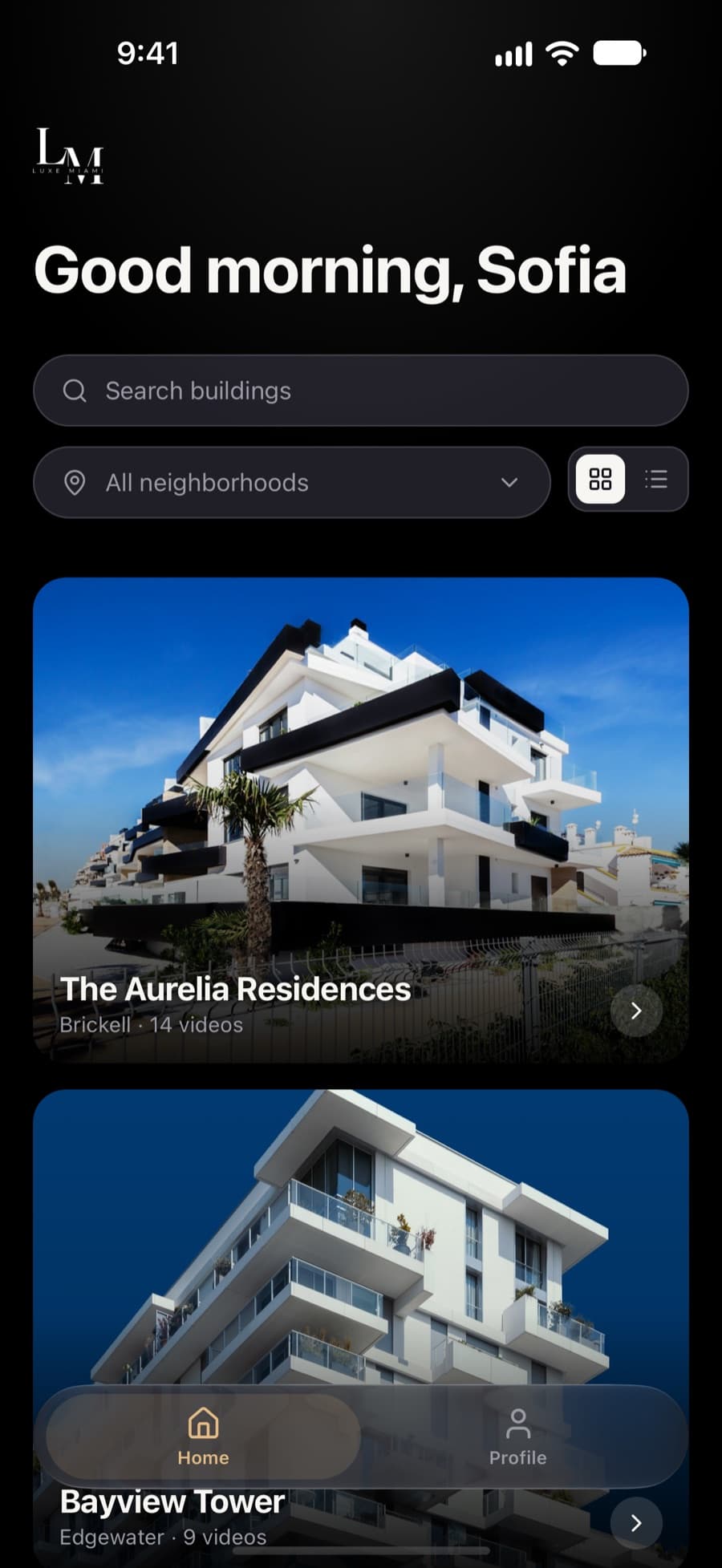
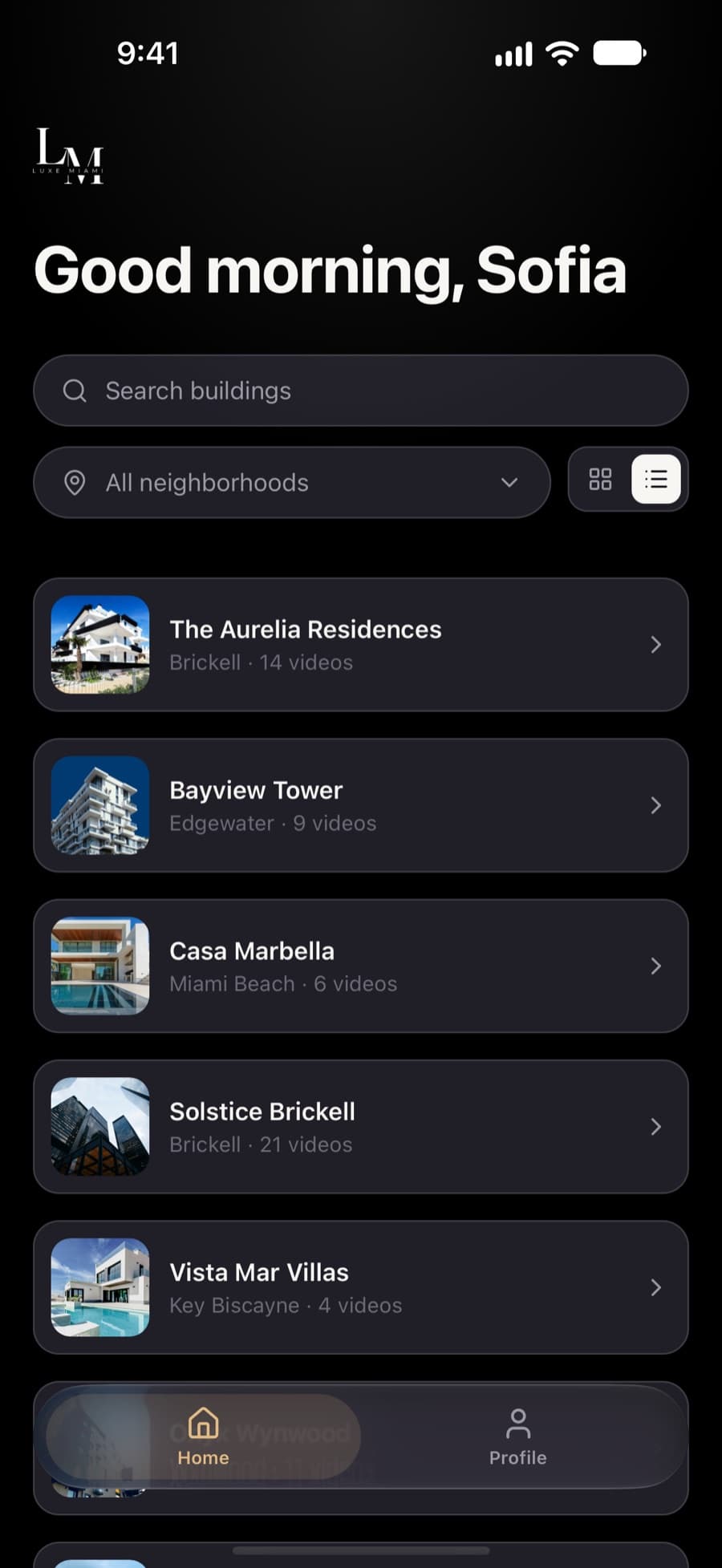
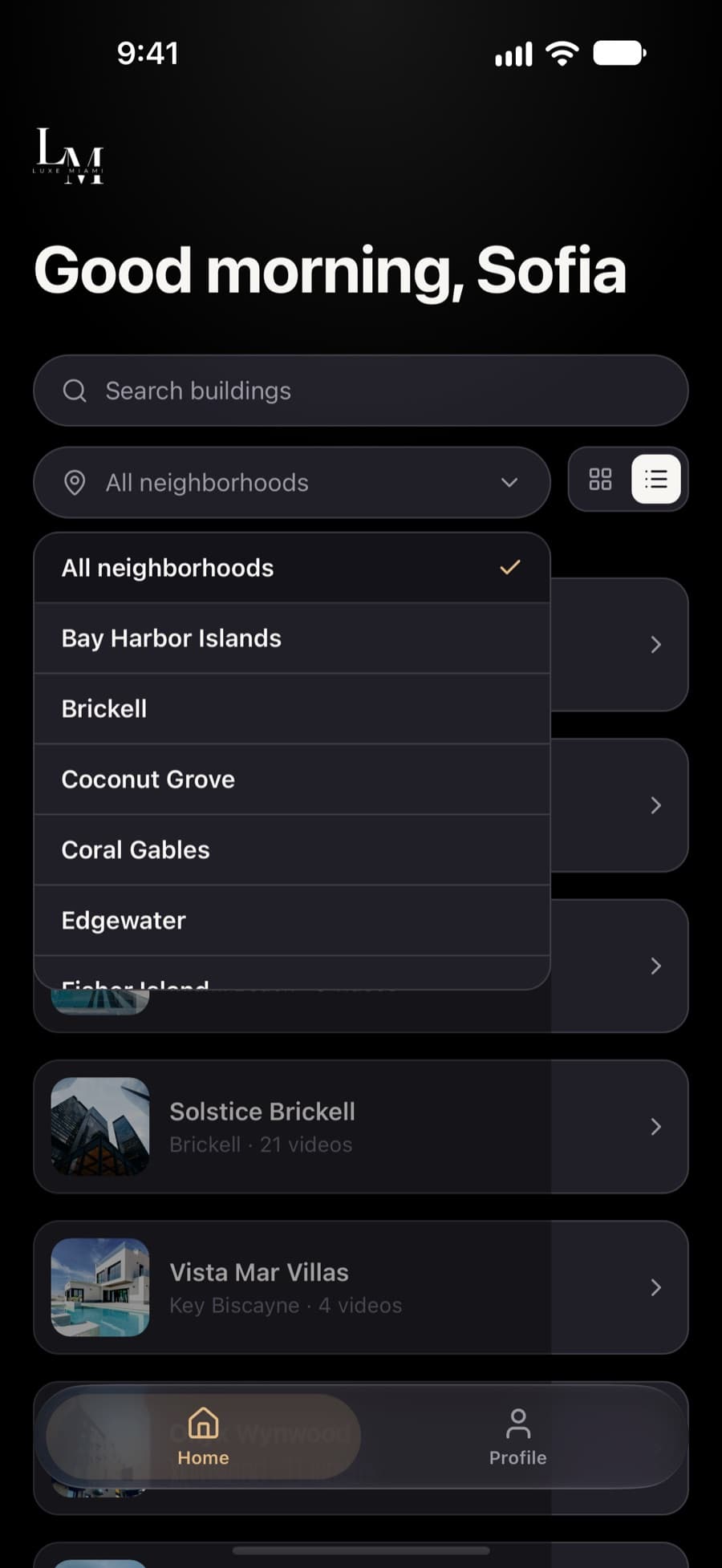
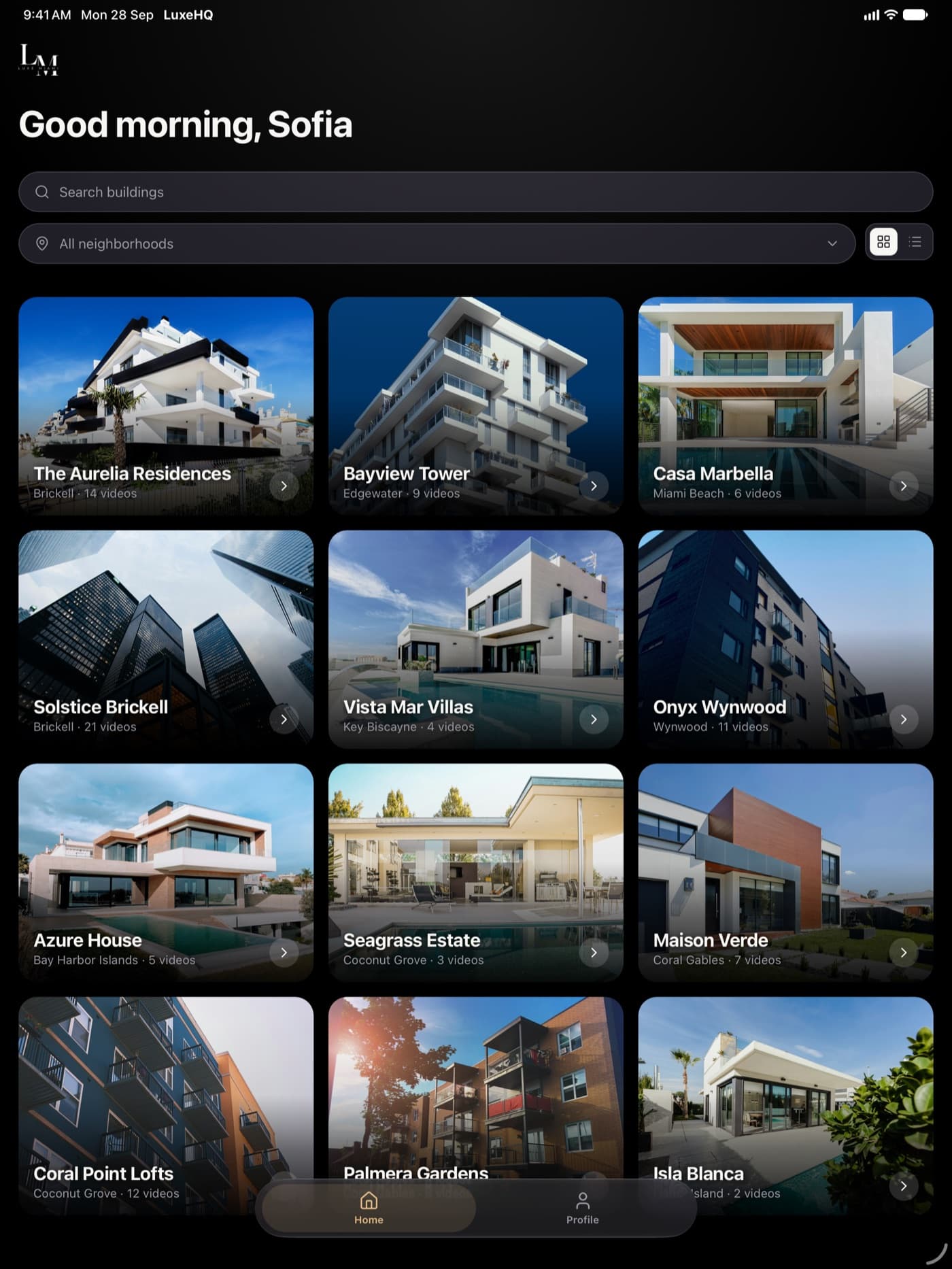
Every building Luxe Miami represents, as full-bleed photo cards or a compact list. Search by name, or narrow it down by neighborhood, from Brickell to Key Biscayne.
- Photo grid or compact list
- Search by building name
- Filter by neighborhood
- Video count on every building
Every unit
A walkthrough for every unit.
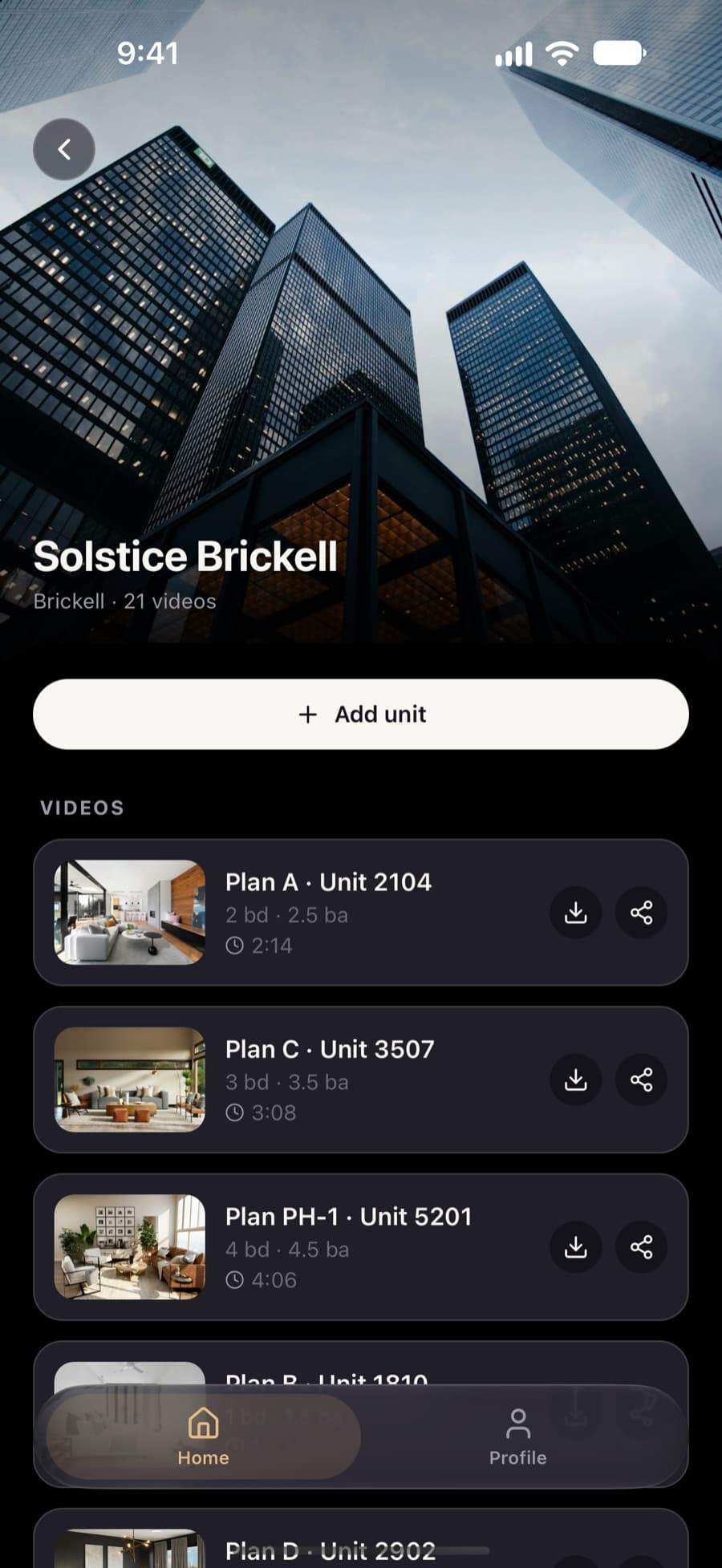
Open a building and every unit tour is right there, labelled the way you talk about it: floor plan, unit number, beds and baths, and running time.
- Floor plan and unit number
- Beds, baths and length
- Download from the list
- Share from the list
Watch
Tour it before you show it.
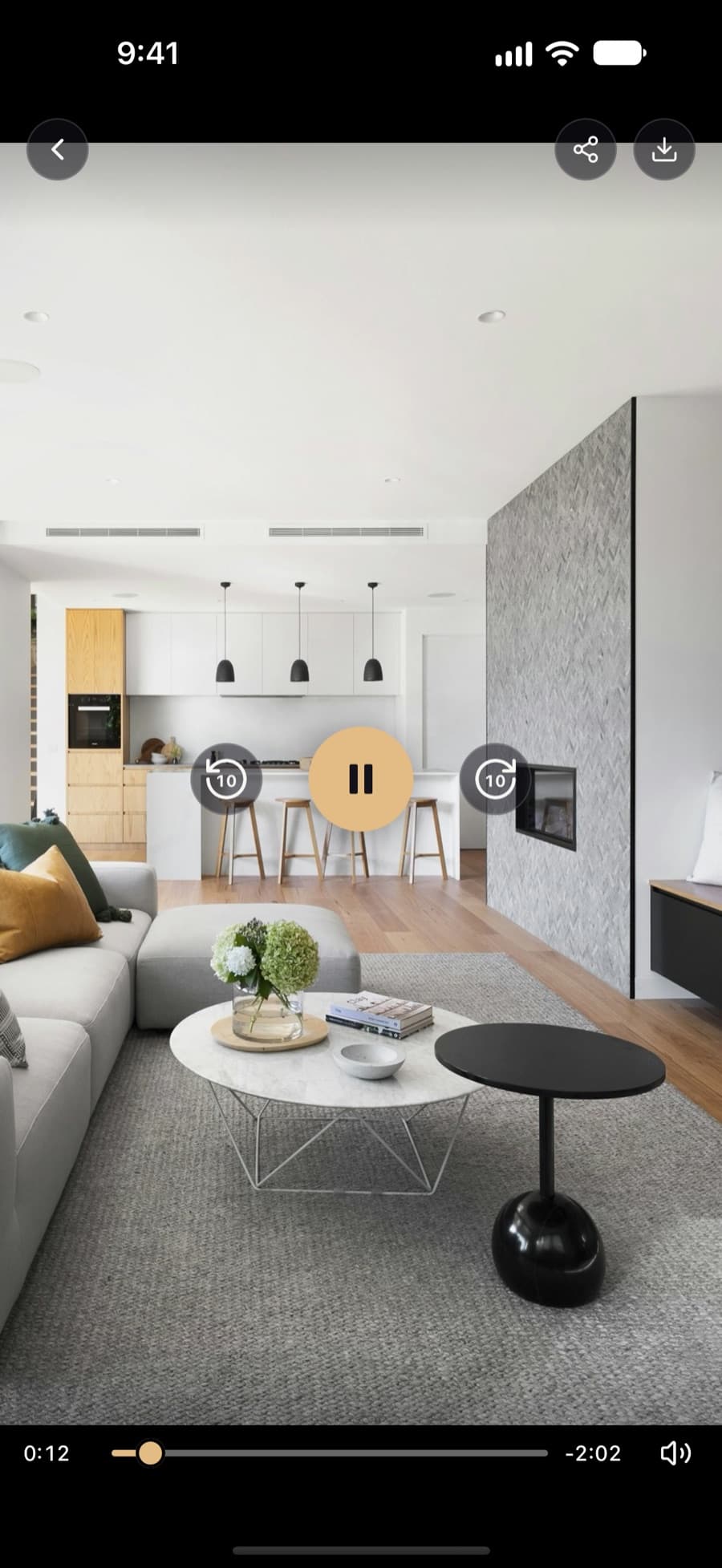
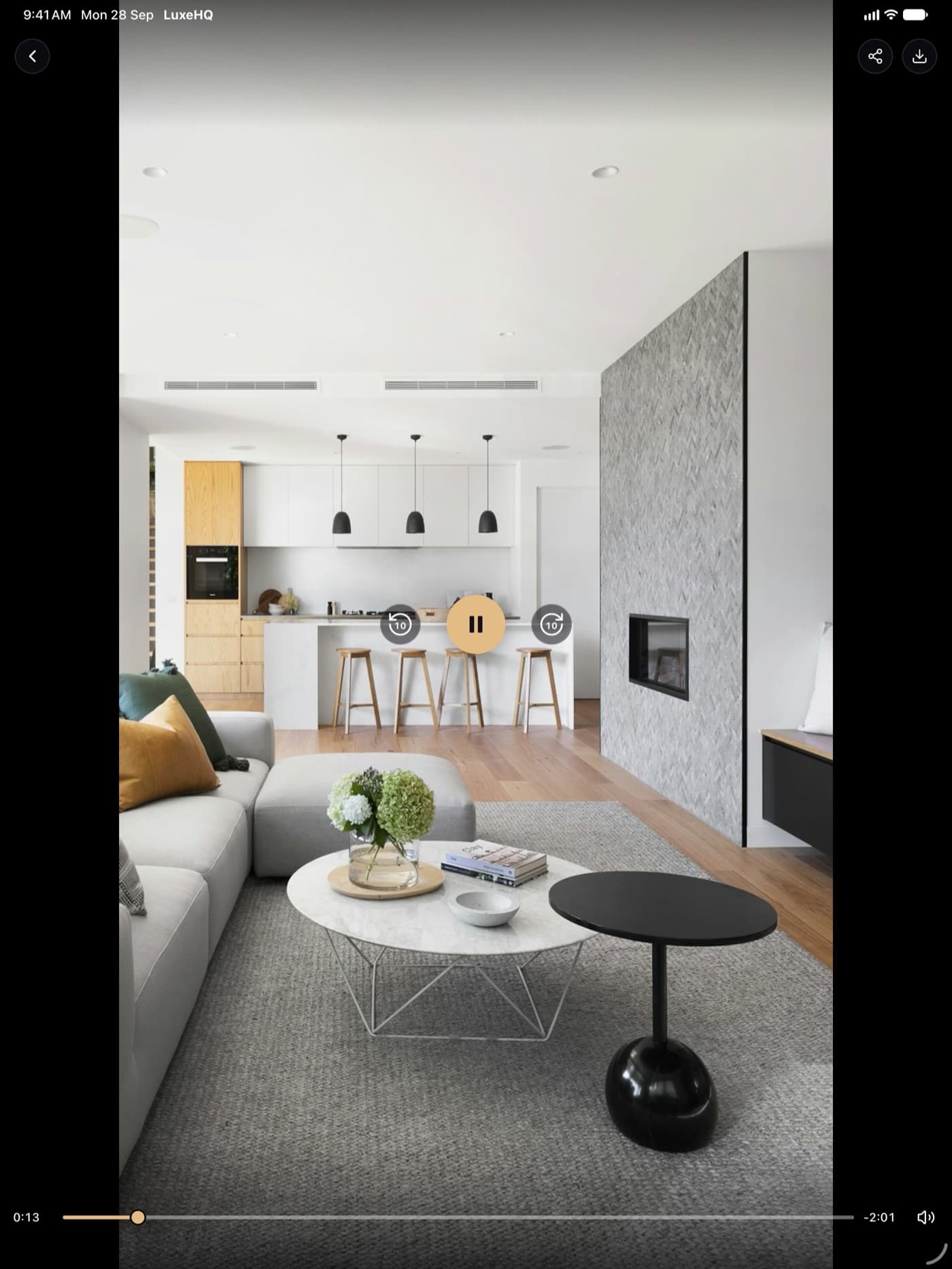
A full-screen, immersive player with adaptive streaming, so every walkthrough starts quickly and stays sharp. Share or download straight from the player.
Skip 10 seconds
Jump straight to the kitchen or the view.
Scrub anywhere
Drag to any room in the tour.
Choose the quality
Auto by default, or pick a rendition.
Save to Photos
For showings where the signal drops.
Client
Messages
Here's the Plan A walkthrough at Solstice Brickell. Have a look before Saturday.
Plan A · Unit 2104
Secure link · Solstice Brickell
Delivered
Love that living room. Can we see it in person Saturday?
Share with clients
You send it. They press play.
Put a tour in a buyer's hands while the showing is still on their mind. Share links are private, and they expire after 7 days.
- 01Tap share on any videoFrom the unit list or the player. LuxeHQ creates a secure link for that walkthrough.
- 02Send it your wayMessages, WhatsApp, email: whatever your client already uses.
- 03They just press playThe tour opens in their browser. No app, no account, no sign-in.
What your client sees
A private viewing for every buyer.
Every link opens a clean, Luxe Miami page in the browser: you at the top, then the building, floor plan, beds and baths, and the walkthrough ready to play.
- Your name on it
- The page shows who sent it, so your client knows exactly who to call.
- No app, no account
- It opens in any browser on their phone, tablet or laptop.
- Private, and it expires
- Only people with the link can watch, and it stops working on the date shown.
- Looks good in a text
- Messages and WhatsApp preview the building and floor plan.
Solstice Brickell
Brickell, Miami
Floor Plan A|2 Bed|2.5 Bath
Upload
Film it. Upload it. Done.
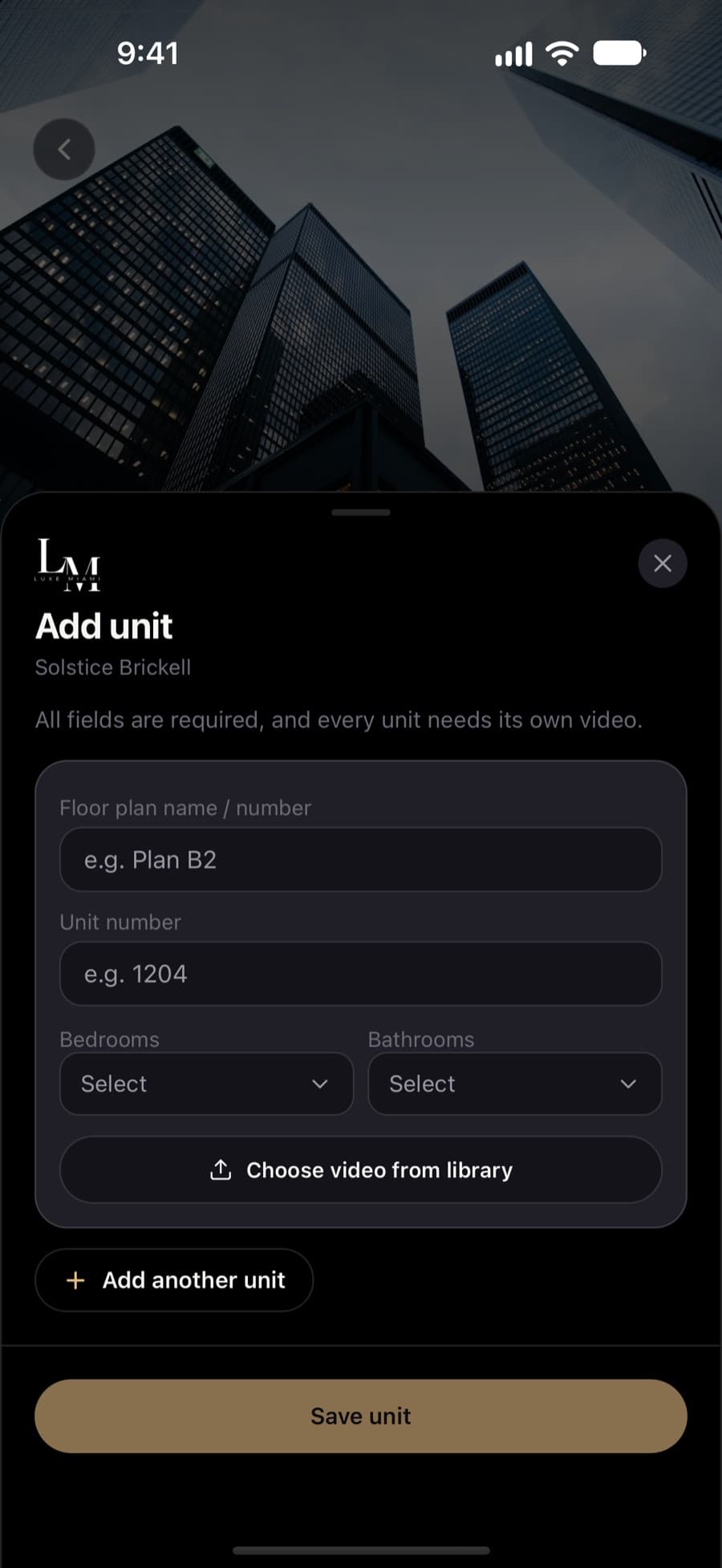
Shot a new unit on a showing? Add it to the building before you reach the lobby. On iOS 16.2 and later, a Live Activity keeps the progress on your Lock Screen.
- 1Add the unitFloor plan, unit number, beds and baths.
- 2Pick the videoStraight from your library. Add several units at once.
- 3Keep movingIt uploads in the background and resumes if the app closes.
- 4Get notifiedYou hear back when it's processed and ready to watch.
Uploading · Unit 1810
64%
Solstice Brickell
iPad
Bigger screen. Same library.
A three-column building grid, and a wider player and lists, laid out for the full display. It's made for sitting down with a client and scrolling through the options together.
Every screen
Everything you need, nothing extra.
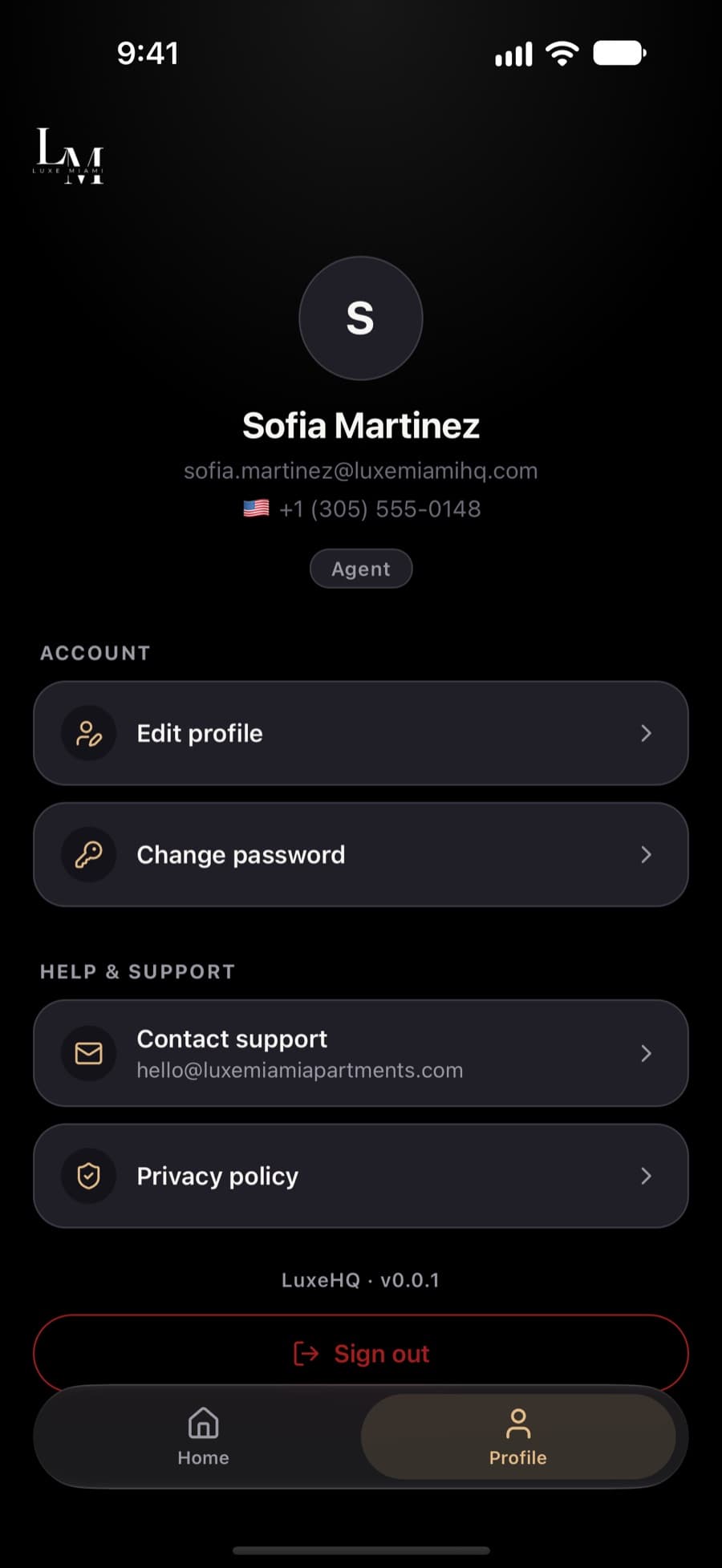
Scroll through the whole app. Every screen here is taken straight from LuxeHQ.
Every walkthrough, one tap away.
Download LuxeHQ for iPhone and iPad, then sign in with the Luxe Miami account your admin set up for you.
Requires iOS 15.1 or later and a Luxe Miami agent account.